IPTV Smarters Pro vs TiviMate: Which Player Is Best in 2026?
Two apps dominate IPTV in Australia: Smarters Pro runs on everything, TiviMate has the slickest TV guide. We compare them head to head on features, devices, price and feel — and tell you which to pick.
IPTV Australia Team
Updated 8 June 2026
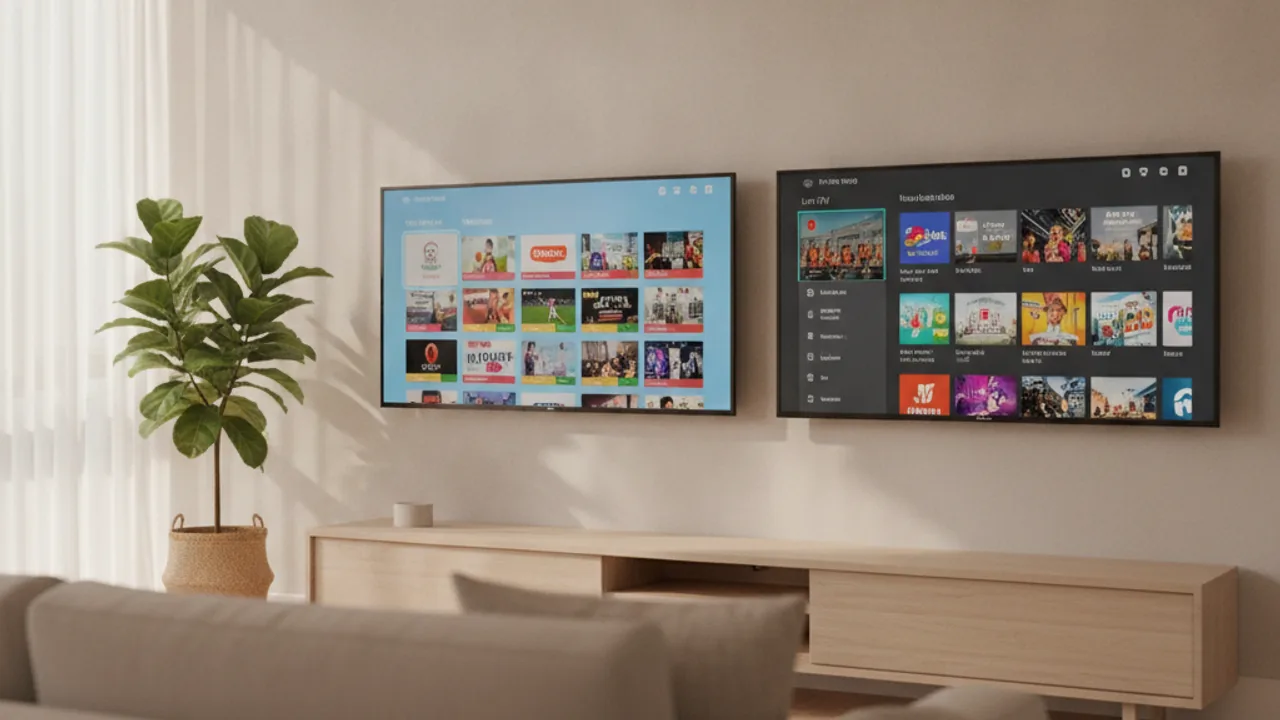
The two apps that dominate IPTV in Australia come at the question from completely different angles, which is exactly why the IPTV Smarters Pro vs TiviMatedebate keeps coming up. One runs on practically every device you own; the other has the most polished, remote-friendly TV guide you can get. Neither is objectively "better" — the right answer depends entirely on what you're watching on and where. This guide gives you an honest, practical comparison so you can stop second-guessing and start streaming.
Worth saying upfront: neither app provides channels. Both are free player apps — think of them like a web browser for live TV. What they play depends on the IPTV Australia subscription you log into. The same credentials work in both apps, so choosing between them really is just about interface and device compatibility, not content.
The quick verdict
If you're watching on a Firestick, Nvidia Shield, Chromecast with Google TV or any Android TV box and you want the best possible TV-watching experience with a remote in your hand, get TiviMate. The program guide is genuinely broadcast-quality, the channel grid is fast, and the remote navigation feels designed for a couch, not a touchscreen.
If you're on an iPhone, iPad, Samsung or LG Smart TV, or a Windows or Mac computer — or you just want one app that works across every device you own — get IPTV Smarters Pro. It does everything TiviMate does: live TV, EPG, VOD, catch-up, multi-screen. It just doesn't look quite as sharp on a big TV.
If you have an Android TV device anda phone or tablet, the real answer is: use both. They're both free (or nearly free), and one IPTV subscription gives you access on all of them simultaneously.
What each app actually is
Both IPTV Smarters Pro and TiviMate are player apps: they don't store or distribute content themselves. You give them a server URL plus a username and password (the Xtream Codes API method) or an M3U playlist URL, and they fetch the channel list, electronic program guide (EPG) data and on-demand catalogue from your IPTV provider's servers. Change your subscription and the same app plays different content — the app is neutral.
IPTV Smarters Pro — the everywhere app
IPTV Smarters Pro was built with cross-platform reach as its core design goal. The same app (with the same login flow) runs on Android phones and tablets, Android TV and Google TV devices, Amazon Firestick (via side-loading with the Downloader app), Samsung Tizen Smart TVs, LG webOS Smart TVs, Windows PC and Mac. On iPhone and iPad it publishes as "Smarters Player Lite" on the App Store — the interface is identical and the same Xtream Codes credentials work.
The result is that if you have a mixed household — someone watching on a Samsung TV, another person on their iPhone, and a kid with a tablet — Smarters Pro is the single app that covers every screen. That flexibility is genuinely valuable, and the app is entirely free.
TiviMate — the TV specialist
TiviMate took a different path: instead of maximum compatibility, it focused on building the best possible lean-back TV experience. It runs on Android TV only — Firestick, Nvidia Shield, Chromecast with Google TV, Formuler Z8, and third-party Android TV boxes. It does not and will not run on iPhone, iPad, Samsung Tizen TVs, LG webOS TVs, or standard Windows or Mac computers.
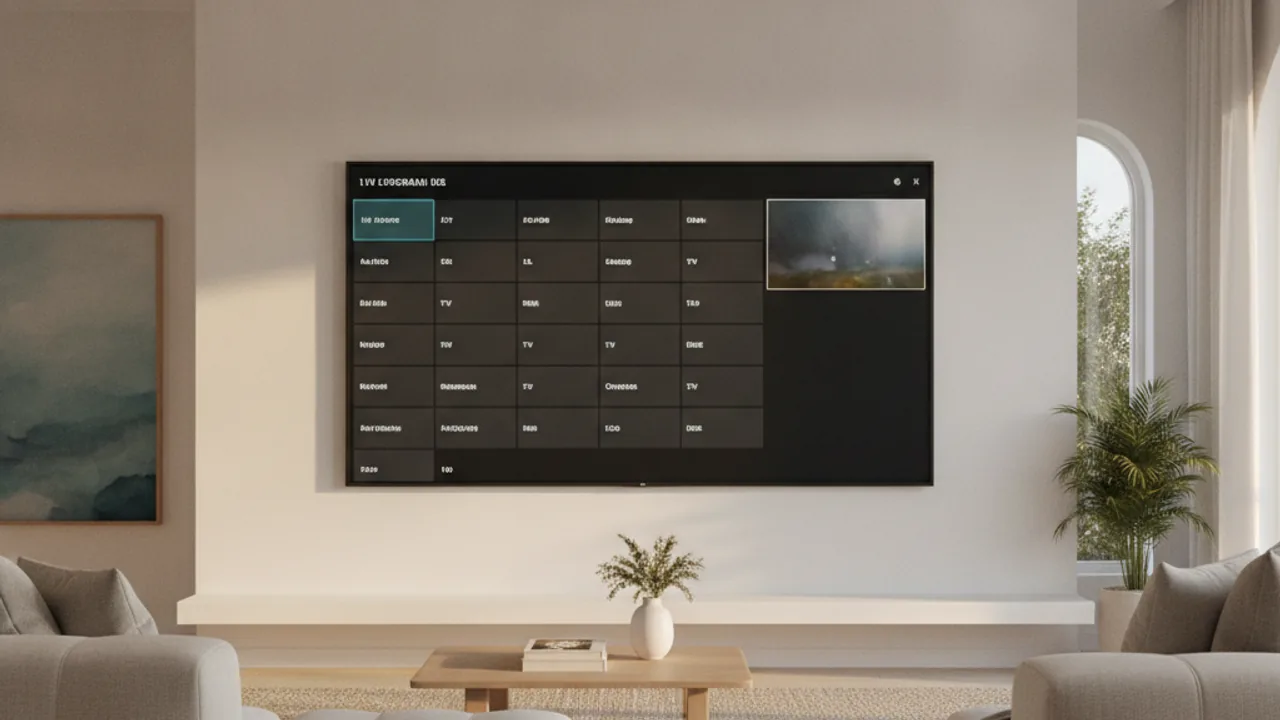
Within that Android TV world, the result is remarkable. The program guide is faster and better-looking than anything else in the IPTV space, the channel zapping feels instant, and the app was clearly built by someone who actually uses it on a remote. Visit the official TiviMate site and you'll see the feature list is deceptively short — because the app doesn't need marketing fluff when the experience sells itself.
Device & platform support
Device compatibility is the single biggest factor in choosing between these two apps, so it's worth being specific.
Where TiviMate works
TiviMate installs from the Amazon Appstore on Firestick (all models — Lite, HD, 4K, 4K Max) and from the Google Play Store on any Android TV or Google TV device. That covers:
- All Amazon Firestick models (the most popular IPTV device in Australia)
- Nvidia Shield TV and Shield Pro
- Chromecast with Google TV (2020 and 2023 models)
- Formuler Z8, Z10, Z11 Pro and similar Android TV boxes
- Third-party Android TV boxes (Mecool, Beelink, etc.)
That's a solid list — and if you're setting up a dedicated lounge-room streaming setup, it covers everything you'd reasonably consider. The Firestick is the most popular starting point for most Australians, and TiviMate on a Firestick 4K or 4K Max is a genuinely excellent combination.
Where TiviMate does NOT work
This matters just as much, and it's where people get caught out:
- iPhone and iPad — not available on the App Store, never has been
- Samsung Smart TVs (Tizen OS) — TiviMate is not in the Samsung app store
- LG Smart TVs (webOS) — same situation, no TiviMate in the LG Content Store
- Windows PC and Mac — no desktop version exists
- Standard Android phones and tablets (non-Android TV) — TiviMate is built for the TV form factor and is not available on the mobile Play Store
Where IPTV Smarters Pro works
Smarters Pro covers all of the above and more:
- Android phones and tablets — Play Store
- Android TV and Google TV devices — Play Store
- Amazon Firestick — side-loaded via Downloader (our Firestick setup guide walks through it)
- iPhone and iPad — "Smarters Player Lite" on the App Store
- Samsung Smart TVs (Tizen) — available in the Samsung app store in most regions
- LG Smart TVs (webOS) — available in the LG Content Store
- Windows PC and Mac — desktop version available
If you have a Samsung or LG Smart TVand want to run IPTV without any additional hardware, Smarters Pro is probably your path. TiviMate simply isn't an option on native Tizen or webOS — though plugging in a $60–90 Firestick and running TiviMate on that is a popular workaround that many of our customers prefer.
Features head to head
Both apps cover the full set of features you'd expect from a serious IPTV player. The differences are in depth and polish rather than capability.
| Feature | IPTV Smarters Pro | TiviMate |
|---|---|---|
| Platforms / devices | Android, iOS, Android TV, Firestick, Samsung Tizen, LG webOS, Windows, Mac | Android TV only: Firestick, Nvidia Shield, Chromecast GTV, Formuler, Android TV boxes |
| Price | Free — no premium tier | Free core app; TiviMate Premium ~$10 AUD/year |
| EPG & interface | Good — clean channel guide, works on all platforms | Excellent — broadcast-grade program grid, faster and more polished |
| Recording | Not supported | Yes — with TiviMate Premium, records to device storage or USB |
| Multi-view / multi-screen | Multi-screen support included (watch several streams at once) | Multi-view with Premium (up to 4 channels side by side on one screen) |
| VOD & catch-up | Full VOD library and catch-up TV included | Full VOD library; catch-up buttons unlocked with Premium |
| Best for | Mixed-device households, iPhone users, Samsung/LG TV owners, anyone who wants one app everywhere | Dedicated Android TV setups where you want the best possible big-screen guide |
EPG quality in detail
The electronic program guide — what's on now, what's on next, the whole programme schedule — is where TiviMate pulls ahead most clearly. Its channel grid renders quickly, channel artwork populates cleanly, and scrolling through a full week's schedule feels fluid. The "mini guide" that shows in the corner while you watch is especially handy during sport, where you want to keep an eye on what's starting on another channel.
IPTV Smarters Pro's EPG is functional and covers everything you need — it just doesn't have the same visual refinement. On a phone or tablet the difference is negligible. On a 65-inch TV across the room, it's noticeable.
Recording
If recording live TV matters to you — capturing the footy when you're out, or recording late-night Premier League matches to watch in the morning — TiviMate Premium is the clear winner. You can record to your Firestick's internal storage or a USB drive plugged into the back, schedule recordings from the EPG in advance, and the results are clean MP4 files you can watch any time. IPTV Smarters Pro has no recording function at all.
Multi-view: watching two channels at once
TiviMate Premium's multi-view mode lets you watch up to four live channels simultaneously in a split-screen layout — genuinely useful on a big TV when two matches are on at the same time. IPTV Smarters Pro has multi-screen support too, though the implementation and experience varies by device.
Multiple playlists
TiviMate Premium allows multiple playlists — so you can add more than one IPTV subscription account and switch between them. This is a niche feature for most people, but useful if you manage IPTV for family members or run a test account alongside your main one. IPTV Smarters Pro also supports multiple user profiles within a single install.
Ease of use & interface
Both apps are set up the same way: open the app, choose "Login with Xtream Codes API" (or "Add M3U playlist"), enter the server URL, username and password from your provider, and let the app load your channel list. On a fast connection the whole process takes two to three minutes. If you've set up our free trial, the same credentials work in either app without any changes.
TiviMate's remote-first design
TiviMate was clearly designed by someone who uses a Firestick remote, not a mouse. The directional navigation is predictable, the highlight states are generous and obvious, and you can reach any channel or setting in a small number of button presses. The settings menu is well-structured, the EPG time shift (important for Australian timezones) is easy to find, and favourites pinning works exactly as you'd expect. For people who find fiddly app interfaces frustrating, especially on a TV remote, TiviMate is noticeably easier to live with day to day.
IPTV Smarters Pro's touchscreen roots
Smarters Pro has a touch-first design that works well on phones and tablets. On a TV remote it's entirely usable, but the UI is denser and navigation occasionally requires more presses to reach the same destination. Some menus have more options and settings visible at once, which is helpful if you like to tweak things but can feel overwhelming if you just want to find a channel and watch it.
On Samsung and LG Smart TVs specifically, Smarters Pro's smart TV version is optimised for the TV remote interface and performs well — this is one context where the compatibility advantage doesn't come with a meaningful usability penalty.
Price
Both apps are essentially free. Here's exactly what you pay for each:
IPTV Smarters Pro pricing
The app is completely free with no in-app purchases and no premium tier. You download it, log in with your IPTV subscription credentials, and all features — EPG, VOD, catch-up, multi-screen — are included. The only cost involved is your IPTV subscription, which is what you pay to a provider like IPTV Australia, not to the app developers.
TiviMate pricing
The core TiviMate app is free and genuinely good — you can watch live TV, browse the EPG and access VOD without paying anything. TiviMate Premium, available via the Google Play Store / Amazon Appstore, costs approximately $10 AUD per year (roughly $0.83/month) and unlocks recording, multi-view, catch-up buttons and multiple playlists. It's a one-time annual subscription, not a per-device purchase — you log in with a TiviMate account across all your Android TV devices.
At $10/year, TiviMate Premium is one of the best value software purchases in the IPTV ecosystem. Most people who try it don't go back to the free tier.
Which should you choose?
Here's the practical decision guide. Work through your devices and situations and the answer usually picks itself.
Choose TiviMate if…
- You have a Firestick, Nvidia Shield, Chromecast with Google TV or an Android TV box as your main TV device — TiviMate is simply the best IPTV player for these platforms and you should use it.
- You care about recording live TV— it's the only option here; Smarters Pro doesn't record.
- You want multi-view — watching two or more matches side by side on a big screen is a Premium feature TiviMate does well.
- You prioritise a polished, lean-back TV experience — TiviMate just feels more like proper TV and less like a phone app on a big screen.
Choose IPTV Smarters Pro if…
- You're on iPhone or iPad — TiviMate has no iOS version, so Smarters Player Lite is your best IPTV app.
- You want IPTV on your Samsung or LG Smart TV without extra hardware — Smarters Pro is available in both the Tizen and webOS app stores (TiviMate is not).
- You have a mixed household with different device types and want a single app that works on all of them.
- You want IPTV on a Windows or Mac laptop— Smarters Pro has desktop versions; TiviMate doesn't.
- You don't need recording and want a capable, fully featured IPTV player at zero cost.
Use both — it's what most people end up doing
The most practical outcome for a lot of Australian households: install TiviMate on the lounge-room TV setup (whether that's a native Firestick or a Firestick plugged into a Samsung/LG TV) and install IPTV Smarters Pro on your phone for watching on the go. One IPTV subscription from IPTV Australiacovers both — just check your plan's simultaneous connection allowance if multiple people stream at the same time.
We have setup guides for both apps if you want step-by-step walkthroughs: IPTV Smarters Pro setup and TiviMate setup. If you're having issues with buffering on either app once you're set up, our IPTV buffering fixes guide covers the nine most common causes and how to solve each one.
To get started, the easiest move is a free 24-hour trial— message us on WhatsApp and you can be watching in either app within a few minutes. You'll know quickly which interface you prefer on your actual TV, which beats reading comparison articles every time.
Frequently asked questions
Is IPTV Smarters Pro or TiviMate better?
It depends on your devices. On an Android TV device like a Firestick or Nvidia Shield, TiviMate has the better interface and TV guide by most people's reckoning. On an iPhone, Samsung or LG Smart TV, or a Windows PC, IPTV Smarters Pro (or Smarters Player Lite on iOS) is your only realistic option because TiviMate doesn't run there. Many Australian viewers use both: TiviMate on the lounge-room TV and Smarters Pro on their phone — one IPTV subscription works in both.
Does TiviMate work on iPhone or iPad?
No. TiviMate is Android TV only — it runs on Firestick, Nvidia Shield, Chromecast with Google TV, Formuler boxes and Android TV boxes, but not on iOS. For iPhone or iPad, IPTV Smarters Player Lite (the App Store version of the same player) is the go-to choice.
Is TiviMate free?
The core TiviMate app is free and genuinely usable. TiviMate Premium (around $10 AUD per year) unlocks recording to local storage, multi-view (watching several channels simultaneously), multiple playlists and catch-up buttons. Most people who try Premium keep it — at $10/year it's excellent value.
Can I use the same IPTV subscription on both apps?
Yes. An IPTV subscription from a provider like IPTV Australia gives you a username, password and server URL. Those same credentials plug into both IPTV Smarters Pro and TiviMate. You can install both apps and switch between them, or run one on the TV and one on your phone — your plan's simultaneous connection limit is the only thing to be aware of.
What internet speed do I need for IPTV in Australia?
For HD channels you need a consistent 25 Mbps — most NBN 25 and above plans deliver that easily. For 4K channels, aim for 50 Mbps or better. A wired Ethernet connection or a strong 5GHz Wi-Fi signal makes a noticeable difference on busy evenings when the network is congested.
Try IPTV Australia free
See it on your own TV — free for 24 hours
35,000+ channels, every game in 4K and 90,000+ movies & shows. No card, no contract — just message us on WhatsApp and you'll be watching in minutes.
Keep reading
 Guides · 11 min
Why Does My IPTV Keep Buffering? 9 Fixes That Actually Work
Buffering during the footy is the worst. Most IPTV freezing comes down to a handful of fixable causes — internet speed, Wi-Fi, player settings or your provider. Here are 9 fixes, in the order to try them.
Read article Streaming · 13 min
IPTV vs Foxtel & Kayo: An Honest 2026 Comparison
Foxtel has the polish, Kayo has the sport, and IPTV has the price and the channel count. We put all three side by side for Australian viewers in 2026 — no spin.
Read article