Setup guide · ~5 minutes
How to Set Up TiviMate in Australia (2026 Guide)
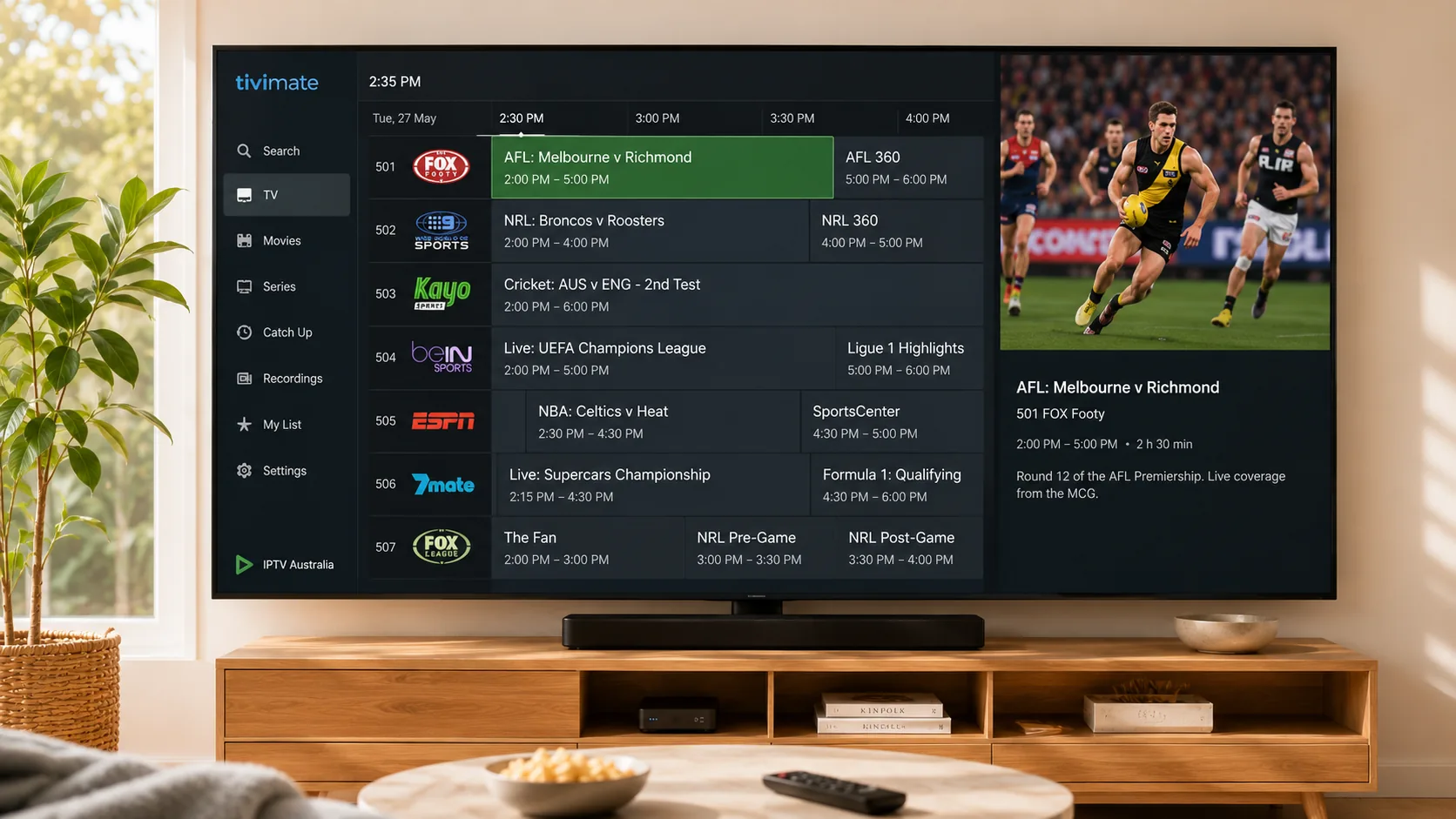
TiviMate is widely considered the best-looking IPTV player for the big screen — and setting it up in Australia takes about five minutes. Install it from the Play Store on any Android TV device, add your playlist with the Xtream Codes login (or M3U URL) from your IPTV provider, and TiviMate builds a beautiful live-TV guide automatically.
Unlike phone-first apps, TiviMate is designed purely for TVs: a fast channel grid, multi-view, catch-up, recording (premium) and the slickest EPG in the business. Here's the complete setup, plus the settings most Aussies should change.
What you'll need
- An Android TV device: Firestick, Nvidia Shield, Chromecast with Google TV, Formuler or any Android TV box (TiviMate doesn't run on Samsung/LG native TV systems, iPhone or standard PCs)
- An active IPTV subscription or free 24h trial (Xtream login or M3U URL)
- 25 Mbps+ internet (50 Mbps for 4K)
No subscription yet? Start with a free 24-hour trial — it works perfectly with this guide.
Step-by-step setup
- 1
Install TiviMate from the Play Store
On Firestick, search “TiviMate” in the Amazon Appstore; on Android TV / Google TV, get it from the Play Store. It's a free download with an optional premium upgrade for recording, multiple playlists and multi-view.
- 2
Choose how to add your playlist
Open TiviMate and select “Add playlist”. Pick “Xtream Codes login” if your provider gave you a username/password/server URL (recommended — that's what we send), or “M3U playlist” if you have an M3U link.
- 3
Enter your provider details
Type the server address, username and password from your WhatsApp welcome message, exactly as written. TiviMate verifies the login and shows how many channels and movies your subscription includes.
- 4
Let TiviMate build the guide
TiviMate downloads channels and EPG data automatically — with 35,000+ channels give it a minute. When it finishes you'll land on a broadcast-quality program guide with everything organised into categories.
- 5
Tune the essential settings
Go to Settings → General and set “Update EPG” to every 12 hours. In Settings → Playback, enable hardware decoding. Then long-press your favourite Australian and sports channels to add them to Favourites so they pin to the top of the guide.
- 6
Upgrade to TiviMate Premium (optional)
Premium (about $10 AUD/year) unlocks recording, catch-up buttons, multi-view and multiple playlists. You don't need it to watch — but most people who try it keep it.
Stuck on a step? We'll do it with you.
Our team walks customers through TiviMate setups every day — live on WhatsApp, free, 24/7.
Troubleshooting common problems
Playlist won't load / “could not connect”
Check the server URL is complete (including http:// and port) and your subscription is active. If you're on hotel or 4G internet, try your home Wi-Fi — some networks block IPTV ports. Still stuck? Message us on WhatsApp.
EPG is empty for some channels
Settings → EPG → tap “Update”. TiviMate pulls EPG from your provider; Australian channels are covered on our service. For obscure international channels, guide data may genuinely not exist.
Buffering on 4K channels
Test your speed (need ~50 Mbps for 4K). On Firestick Lite or older sticks, the hardware can struggle with 4K60 — switch the channel's FHD version, or upgrade to a Firestick 4K Max / Nvidia Shield for the best experience.
TiviMate isn't in my TV's app store
TiviMate only exists for Android TV. Samsung Tizen and LG webOS TVs can't run it natively — use IPTV Smarters Pro there instead, or plug a Firestick into the TV and run TiviMate on that.
TiviMate — frequently asked questions
Is TiviMate free?
The core app is free. TiviMate Premium (~$10 AUD/year) adds recording, multi-view, catch-up and multiple playlists. The IPTV subscription that supplies your channels is separate — that's what we provide from $15 AUD/month.
TiviMate or IPTV Smarters Pro — which is better?
On a TV with a remote, TiviMate has the better guide and feel by most opinions. Smarters Pro wins on compatibility — it runs on iPhones, Samsung/LG TVs and PCs where TiviMate can't. Many of our customers run TiviMate on the lounge-room TV and Smarters on their phone; one subscription covers both.
Does TiviMate work with a free trial?
Yes — your 24-hour trial login from us is a standard Xtream Codes account, which plugs straight into TiviMate. It's a great way to see the TiviMate + IPTV Australia combo before paying.
Can TiviMate record live TV in Australia?
Yes, with TiviMate Premium you can record to your device's storage or a USB drive — handy for late-night EPL games. Note that recording reliability depends on the device's storage speed.
Related setup guides
Ready to stream? See our IPTV subscription plans in AUD — from $5.83/month on the yearly plan.